Yoto Player vs Tonie Box—which is the best screen free audio player for kids in 2026? If you want honest insights, real parent concerns, and actionable advice beyond generic comparison charts, keep reading.
Key Takeaways
- Toniebox is the clear choice for babies and toddlers, with a softer design and simple tactile use, but its controls can frustrate very young users.
- Yoto Player outshines for ages 3 and up with longer battery life, more customizable content, and extra features like podcasts and a pixelated display.
- Both have hidden costs—content adds up, and neither have formal safety certifications or detailed parental controls for 2026.
- What Makes Screen-Free Audio Players Different?
- How to Choose and Maximize Either Device (Step-by-Step)
- Real-World Pitfalls: What Reviews Don’t Tell You
- Conclusion
- FAQ
What Makes Screen-Free Audio Players Different?
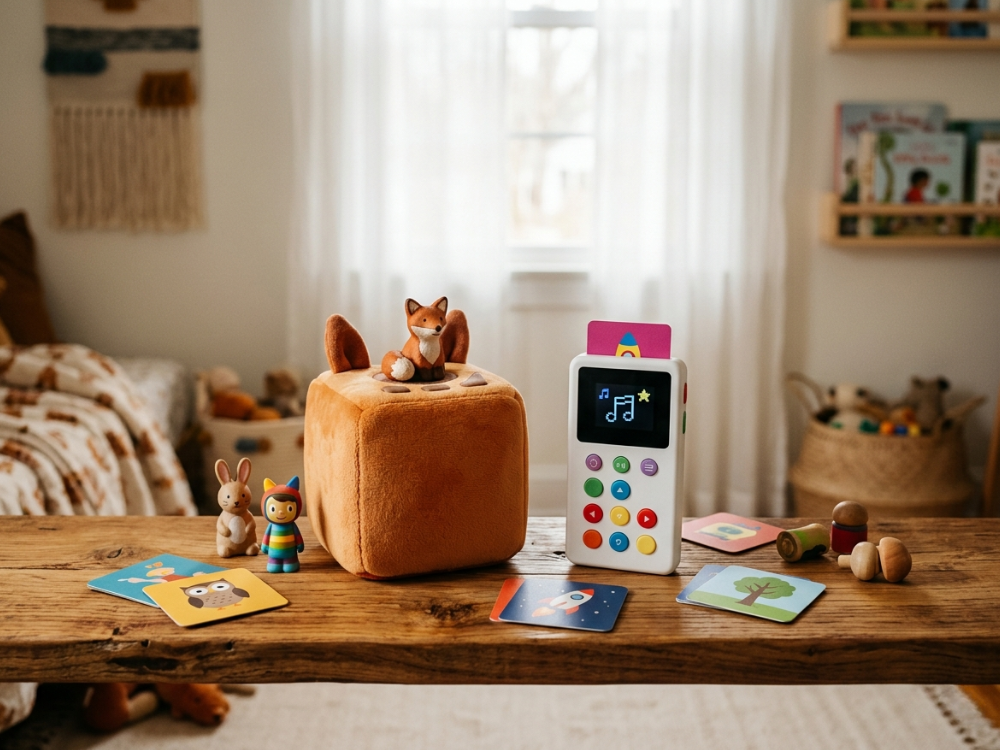
The core idea of Yoto Player and Tonie Box is to give kids access to music, stories, and audiobooks without the downsides of screens. These devices let children independently choose audio content using either story cards (Yoto) or figurines (Tonie). No internet browsing. No apps. No addictive visuals.
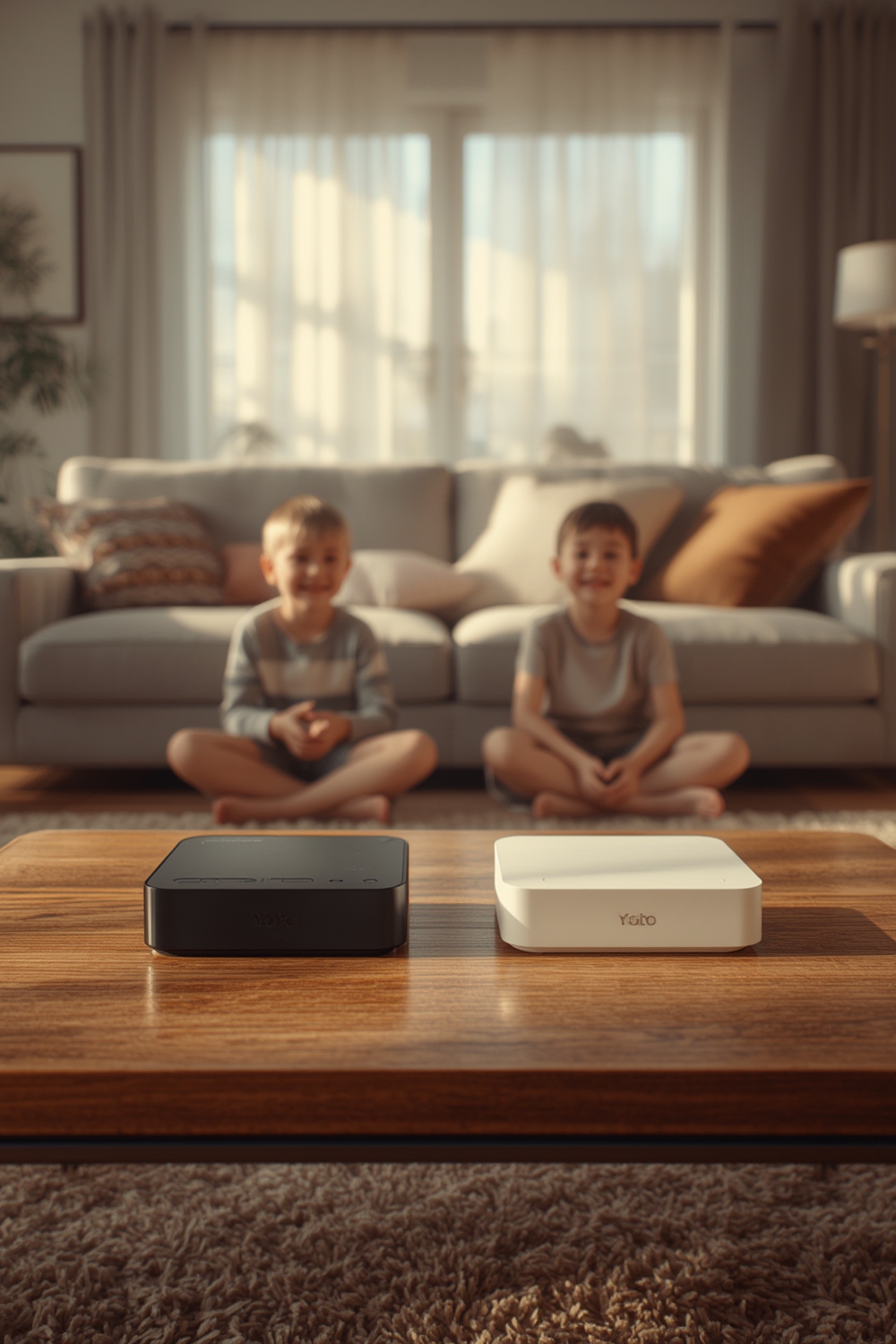
Toniebox is soft, tactile, and totally screen free—ideal for toddlers who love simple play. Yoto Player is more advanced for preschoolers and up, with custom cards, podcasts, alarms, and a tiny pixelated screen. Both promise durability, ease of use, and a sense of ownership for kids, but each has unique strengths and frustrations.
How to Choose and Maximize Either Device (Step-by-Step)
Step 1: Identify Your Child’s Age and Needs
If your child is under 3, the Toniebox is usually best—its soft, durable build and collectible figurines make it the safest and most engaging pick for little hands. For ages 3+, the Yoto Player offers broader content and more autonomy.
Step 2: Compare Core Features
- Toniebox: Soft, padded, no screen, tap/tilt for control, works with Tonie figurines. USB-C charging (on latest models). Strong on music and simple stories. Great for tactile learning, but controls can be confusing for some toddlers.
- Yoto Player: Pixel screen shows time/alarms, longer battery, Bluetooth and headphone jack, supports custom audio cards, offers podcasts and all-day radio. Less instantly intuitive for toddlers (needs card/dial handling), but much more content variety and flexibility as your child grows.
Step 3: Realistic Setup and Day-to-Day Use
Yoto’s cards are slimmer and less likely to disappear under beds, unlike Tonie figurines which tend to migrate into the toy bin. Both have simple charging but the Yoto’s USB connection is friendlier for travel with the Yoto Mini.
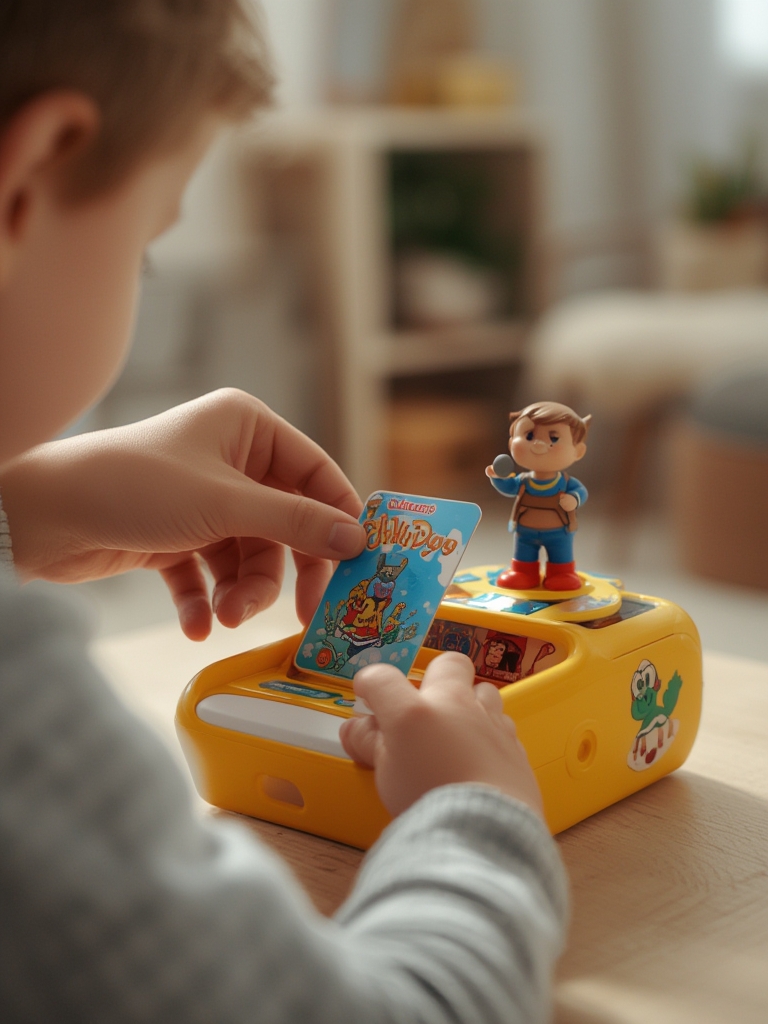
Cost-wise, content can add up with either system. Yoto offers free daily podcasts, a streaming radio station, and app integrations to help reduce spending. Toniebox figurines are cute and collectible, which can excite kids but also drive up ongoing purchase costs, especially if pieces get lost. See an in-depth review here.
- Sometimes creative cards or Tonies can be wiped and reused for new content, saving money—and reducing clutter in the future.
- Both players work with headphones for car rides and bedtime, but Yoto gives a bit more parent control via app settings.
Step 4: Integrate With Other Modern Parenting Tech
If you use advanced gear, like an electric stroller for long walks or a 360 rotating car seat for car naps, the Yoto Mini’s portability gives it an edge. The Toniebox’s cuddle-safe body means you don’t have to worry about it being sat, dropped, or bounced.
Want to make the experience even smoother? Pair either player with smart storage baskets near the car seat, your toddler’s play table, or their reading nook.
Step 5: Maintenance and Troubleshooting
Device not charging, audio cutting out, or content skipping? For Yoto Player, check card integrity and WiFi connection (for podcasts or new content). For Toniebox, inspect the bottom of figurines: debris or magnets out of place can cause glitches. Clean gently with a damp cloth—not submersible, but both handle minor splashes.
Check for firmware updates regularly to solve surprise bugs, especially on new 2026 models.
Real-World Pitfalls: What Reviews Don’t Tell You
Most “top review” lists skip the everyday issues families report after several months of use. Here’s how things play out in reality, including both device-specific limitations and feature gaps acknowledged by actual parents.
| Category | Yoto Player (2026) | Toniebox (2026) |
|---|---|---|
| Usability for Toddlers | Requires card insertion, twist dials; may need parent help under age 3. | Tap/tilt controls—simple in theory, but can frustrate little hands or be triggered by accident. |
| Durability | Less rugged; needs a silicone jacket for rough play. | Exceptionally padded, tumble-proof—even “huggable.” |
| Content Variety | Strong in stories and educational content, broad podcast support, blank card customization. | Better for songs, beloved character franchises, tactile collectible fun. |
| Ongoing Costs | Content cards thinner, cheaper, rarely lost; more free offerings (radio, podcasts). | Figurines are pricier, often get mixed with toys—replacements needed if lost. |
| Technical Specs | No public 2026 battery or sound metrics yet; generally gets >3x battery life over Toniebox based on tester comments. | No public 2026 specs; praised for soft feel but not battery longevity. |
| Screen/Parental Controls | Pixel-display offers time/alarms; app allows some customization; not truly screenless. | Fully screen-free; no explicit parental control settings documented. |
| Safety Certifications | Not listed for either device in verified sources for 2026. | Not listed; both considered safe for intended age groups. |
- Common pitfall #1: Losing Tonie figurines is a recurring headache—once mixed in with regular toys, they vanish fast. Yoto’s flat cards are harder to lose but easier for babies to bend or chew, so parental supervision is essential for under-3s.
- Common pitfall #2: Both systems have ongoing “content creep”—kids quickly want new audio stories or songs, and purchases add up. The lack of robust sharing or trade-in pooling increases total family cost. Choose bundles or sales when possible.
- Common pitfall #3: Neither device comes with explicit ASTM or CE certifications detailed in recent reviews, and neither offers deep parental controls like time limits or content filtering out-of-the-box. If absolute safety or lockdown is vital, review each device’s app/software updates each year.
- Common pitfall #4: Most expert and user reviews (even in 2026) remain qualitative. There are no recent aggregated statistics—no star ratings, no user sample sizes, no numerical satisfaction trends. Expect your experience to reflect real-world messiness, not brochure perfection.
Conclusion
When it comes down to Yoto Player vs Tonie Box, the real question is: who’s using it, and how? If you want ruggedness for babies and inviting simplicity, the Toniebox wins. If you want longer battery life, growing content, and more autonomy as your child matures, Yoto Player is your best choice. Both have hidden costs and small frustrations, but both reliably deliver what matters: screen free, hands-on audio storytelling play.
Ready to buy or still researching? Let your child’s needs, your space, and your preferred mix of stories vs. songs guide you. For extra tech-savvy parents, consider integrating Yoto or Toniebox into your modern stroller setup or alongside other family-friendly gear for the ultimate convenience boost.
Try out your pick, and let the adventures begin—screen free.
FAQ
Is Toniebox or Yoto Player better for toddlers?
Toniebox is more intuitive and safer for under-3s, thanks to its durable, plush case and simple operation. Yoto Player is best for kids ages 3 and up who want more independence and content options. See detailed parent reviews here.
How much do the content cards and figurines cost over time?
Tonie figurines are more collectible and expensive, and frequently go missing in toy bins. Yoto cards are cheaper, thinner, and less likely to be lost, with more free podcast and music options available. Both require ongoing investment, especially if your child wants new content often.
Can I use my own audio stories on either device?
Yes. Yoto lets you create custom audio cards using their app. Toniebox requires buying a Creative-Tonie, which you can record onto using their software. Both work well for personalized content and family recordings.
Which device lasts longer between charges?
Yoto Player has significantly longer battery life than the Toniebox based on user and tester reports, especially useful during travel or a day on the go. However, there are no official specs published for 2026 models.
Are these devices waterproof?
Both Yoto Player and Toniebox handle small splashes and wet hands, but are not intended for submersion. Their cards and figurines are generally water-resistant and easy to wipe clean.